SID-01732: How to reset READONLYSKINMODE for a topic?
| Status: |
 Answered Answered |
TWiki version: |
5.1.3 |
Perl version: |
Perl version: 5.10.1 |
| Category: |
CategorySkin |
Server OS: |
CentOS 6.3 64 bit |
Last update: |
13 years ago |
For a topic, I went to
MoreTopicActions-> Edit topic preference settings and added the line * Set READONLYSKINMODE = 1.
I know that I can edit the page in raw mode by clicking on the dash before the
WikiName that is turned into an edit link,
However, this DOES NOT ALLOW ME to edit "topic preference settings". I.e. if I want to get back to normal mode (NOT readonly) how do I set READONLYSKINMODE to 0?
Please help!
--
 Abhay Patil - 2013-06-13
Discussion and Answer
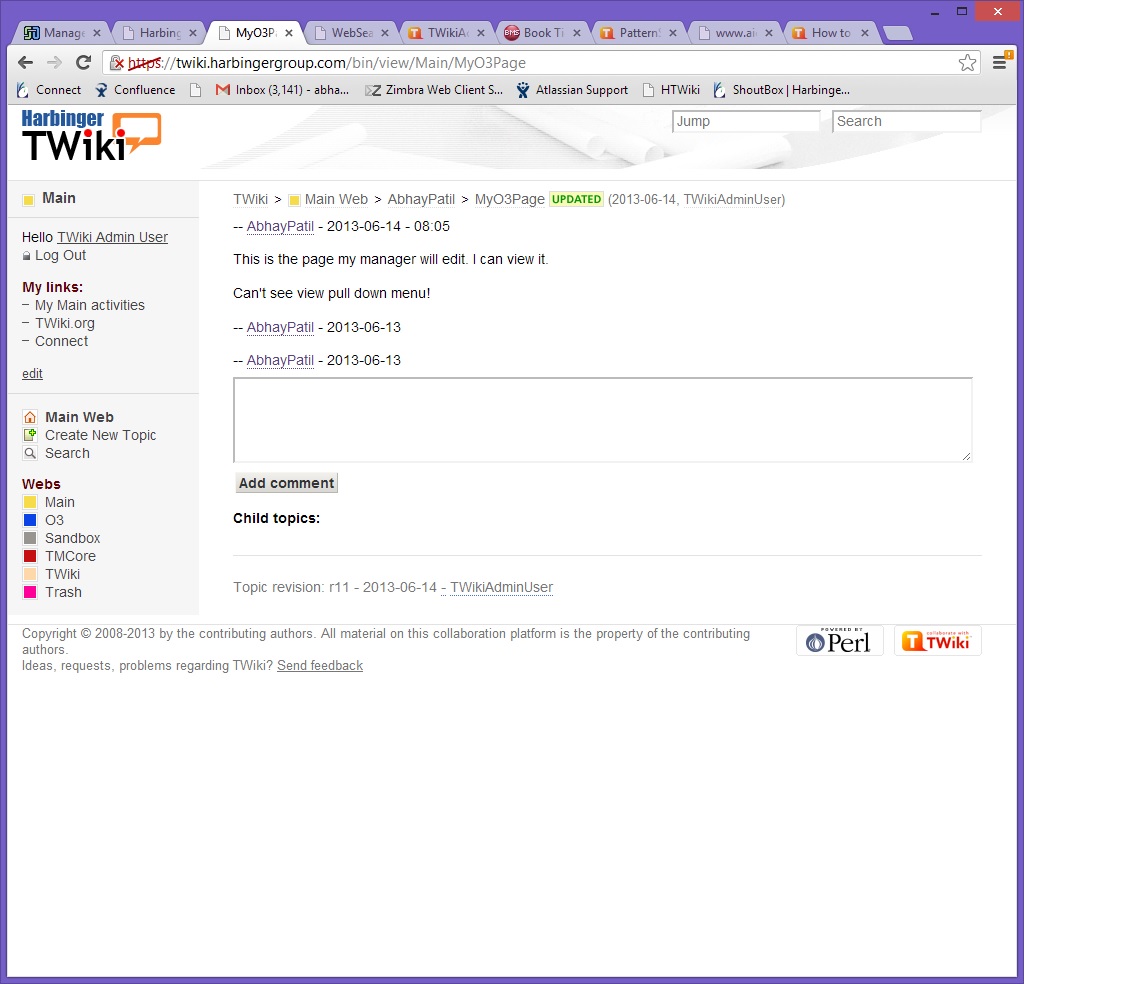
OK. I could kind of "hack" the page by accessing the URL where I replace "view" by "oops", using the template oopsmore and adding the revision number in the params as follows:
<Our TWiki base URL>/bin/oops/<WebName>/WebHome?template=oopsmoreśm1=52śm2=52
Still wondering if there is a more elegant option to achieve this?
--
Abhay Patil - 2013-06-13
The "View" pulldown menu has a "More topic actions" link.
--
 Peter Thoeny - 2013-06-13
Thanks. Need to ask our TWiki administrator to add
TopMenuSkin I believe.
--
Abhay Patil - 2013-06-14
--
Abhay Patil - 2013-06-14
The
TopMenuSkin is pre-installed. You can activate it temporarily by adding
?skin=topmenu,pattern to the view URL.
--
Peter Thoeny - 2013-06-14
 If you answer a question - or someone answered one of your questions - please remember to edit the page and set the status to answered. The status selector is below the edit box.


 jpg
jpg 


 Site map
 Blog web

 Search
 Changes
 RSS Feed
 Notifications
 Statistics
 Preferences
 Register new user
 Support Forum
  Ask a question
 Open questions
  My recent questions
 Get quick help in #twiki IRC channel




 Ideas, requests, problems regarding TWiki? Send feedback. Ask community in the support forum.